Awards season · Gear & Technology
Final Cut Pro 13 Lets Editors Disconnect Clips From the Magnetic Timeline
Final Cut Pro 13 lands with permanent clip disconnection (⌥`), keyframe easing, Natural Motion Blur and nine new transcription languages, plus Motion 7.0 and Compressor 6.0 changes.
Production notes
- Final Cut Pro 13 adds permanent clip disconnection via ⌥` (option-grave), pinning clips to the timeline ruler
- Transcription expands from English to nine additional languages including Cantonese, Mandarin Chinese, German, Japanese and Spanish
- Motion 7.0 adds a Displacement filter with Waves, Magnify, Heat and Custom modes; Compressor 6.0 removes droplets in favor of Watch Folders
- Apple Creator Studio costs US$12.99/month or $129/year; FCP remains available as a one-time purchase
- Cinematic mode on iPhone 18 Pro/Pro Max and iPhone Duo clips now works with any footage, including Log from Final Cut Camera
Final Cut Pro 13 has arrived on the App Store after a delayed launch caused by internal technical issues at Apple, and its headline feature is a command that working editors have requested for years: any connected clip can now be permanently detached from the magnetic timeline. Apple has not reinvented the NLE's core, but it has shipped a release most editors will find something useful in.
The update follows version 12.4, which a few weeks earlier added support for the iPhone 18 Pro cinematic mode. Version 13 goes considerably further, and every feature below is included for all users, subscription or not. Apple Creator Studio, the subscription tier, costs US$12.99 per month or $129 per year, with slight regional variation; Final Cut Pro also remains available as a one-time purchase, so cancelling a subscription does not lock editors out of past projects.
What does clip disconnection change for timeline work?
In Final Cut Pro, clips above and below the primary storyline attach to clips on that storyline, so a b-roll shot or sound effect stays in sync as its parent moves. Historically, editors managing music beds had two options: attach the music to the first clip and leave it untouched, or place the music on the primary storyline and connect everything else to it. Editors could also re-anchor a connected clip with a ⌘⌥-click, override connections with the grave key, or use the Position tool.
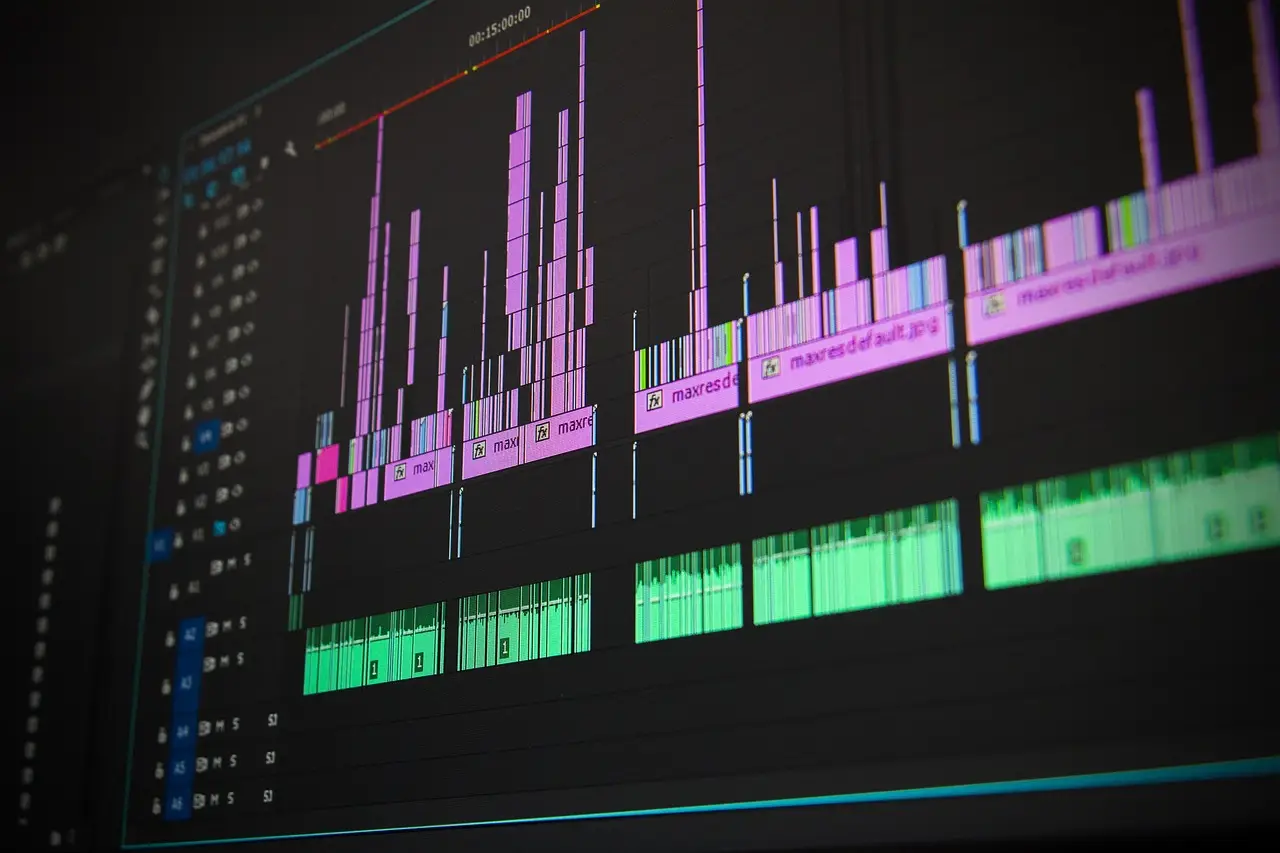
Version 13 adds a third path. Pressing ⌥` (option-grave) permanently disconnects a clip, effectively pinning it to the timeline ruler. Selecting a clip on the primary storyline now also shows connected clips with a dashed outline, making dependency visible; captions receive the same treatment. Editors who prefer a fully manual mode can switch to the Position tool, disconnect everything, and the magnetic timeline stops moving their material. The reviewer's verdict: editors will use it, but not all the time — most jobs work fine with default connections, but editors who disliked the connection system can now simply turn it off. Note that shortcuts may require switching to the new Default keyboard command set before re-adding custom bindings.
Keyframe easing, at last
In the Video Animation pane (⌃V on any timeline clip), a right-click on a keyframe now offers Linear, Ease In, Ease Out, Ease Both and Hold. That replaces the previous linear-only behavior. Transform keyframes can also be controlled in the Viewer, with separate smoothing controls for path and speed. The implementation is not a full graph editor: the Opacity graph exists, but equivalent graphs for properties such as Crop Left or Rotation are absent, and some effects — the Gaussian Blur Amount, for example — offer graphs while most do not. Easing controls are also missing from the Inspector menus, appearing only in the Viewer for Position and in Video Animation for everything else.
Natural Motion Blur and transcription expansion
A new Natural Motion Blur section in the Inspector, activated by checkbox with an Amount slider, targets choppy motion from high shutter speeds — the sunny-day, no-ND-filter scenario common to phones, action cameras and many professional cameras. It applies to video clips only, not titles or motion graphics. The reviewer reports occasional artifacts and skipped frames, so an ND filter remains the better fix where possible.
Transcribe to Captions, Transcribe to Subtitles and Filter by Transcript now support Cantonese, Mandarin Chinese, French, German, Italian, Japanese, Korean, Portuguese and Spanish, with regional variants — French splits into Belgium, Canada, France and Switzerland; English offers nine accents from Australia to the United States. In testing, a German-language source produced results very close to the Parakeet engine in MacWhisper. Text-based editing is still search-only; transcripts cannot be viewed directly inside FCP.
Pixelmator Pro round-trips, fcptool, Viewer panning
Pixelmator Pro files now import directly and edit in place: right-click a timeline clip or use the "Edit in Pixelmator Pro" button, then ⌘S sends changes straight back, updating the timeline instantly — an upgrade over the older layered-Photoshop workflow. A hidden command-line tool, fcptool, inside Contents/MacOS/ of the app package, performs library-level operations: copying and moving events, exporting and validating — positioned for automation alongside CommandPost and SpliceKit, though Apple has not matched DaVinci Resolve's MCP server or Adobe's AI Assistant. The Viewer now supports two-finger zoom and pan gestures on trackpads, touch-screen MacBook Pros and Sidecar on iPad.
Motion 7.0 and Compressor 6.0
Cinematic mode effects on iPhone 18 Pro, 18 Pro Max and iPhone Duo clips now work with any footage, including Log clips from Final Cut Camera, rather than requiring a special recording mode — though the option appears only when a person is detected, and hair edges still blur inaccurately. Compressor 6.0 can render cinematic mode into clips on macOS 27 (Golden Gate), and it drops long-standing droplets, replacing existing droplets with Watch Folders on first launch. Motion 7.0 gains Pixelmator Pro editing, cinematic controls, a new Displacement filter in the Distortion category with Waves, Magnify, Heat and Custom modes — Magnify offers circular zoom with liquid-glass refraction — plus Exponential and Logarithmic keyframe easing presets absent from FCP itself.
Apple Creator Studio subscribers additionally receive MotionVFX tools and templates, covered separately, including the mSurface tools now accessible inside Motion. For editors who abandoned Final Cut Pro years ago, this release is a concrete reason to re-evaluate.
via filmtools.com (Original)
More from Grace Kim
Show full bio
News editor covering money, funding and market shifts around Filmmaking News is the working trade daily for at Filmmaking News.
34 articles
Further readings
- Final Cut Pro 13 Delivers Full MotionVFX Catalog for $129 a YearNovember 20, 2026
- Final Cut Pro 13 Ships With MotionVFX Built In, Rest Behind $129 SubscriptionNovember 20, 2026
- rushes Launches Rentals as Vimeo On Demand Shuts DownNovember 20, 2026
- Varanasi Wraps Shooting; CGI Underway, Dubbing Not Yet StartedNovember 20, 2026
- ShotDeck Relaunch Adds Semantic Search and Film ClipsNovember 20, 2026